Enabling Google Static Maps API
With this release, Rock is aligned with Google's
new policy
for new users of Google Maps created since June 2016. Their policy now requires you to
enable the Google Static Maps API in addition to the already required
Google Maps Javascript API. The steps below will walk you through setting
this up in your Google Dashboard.
- Login in to your Google API Dashboard.
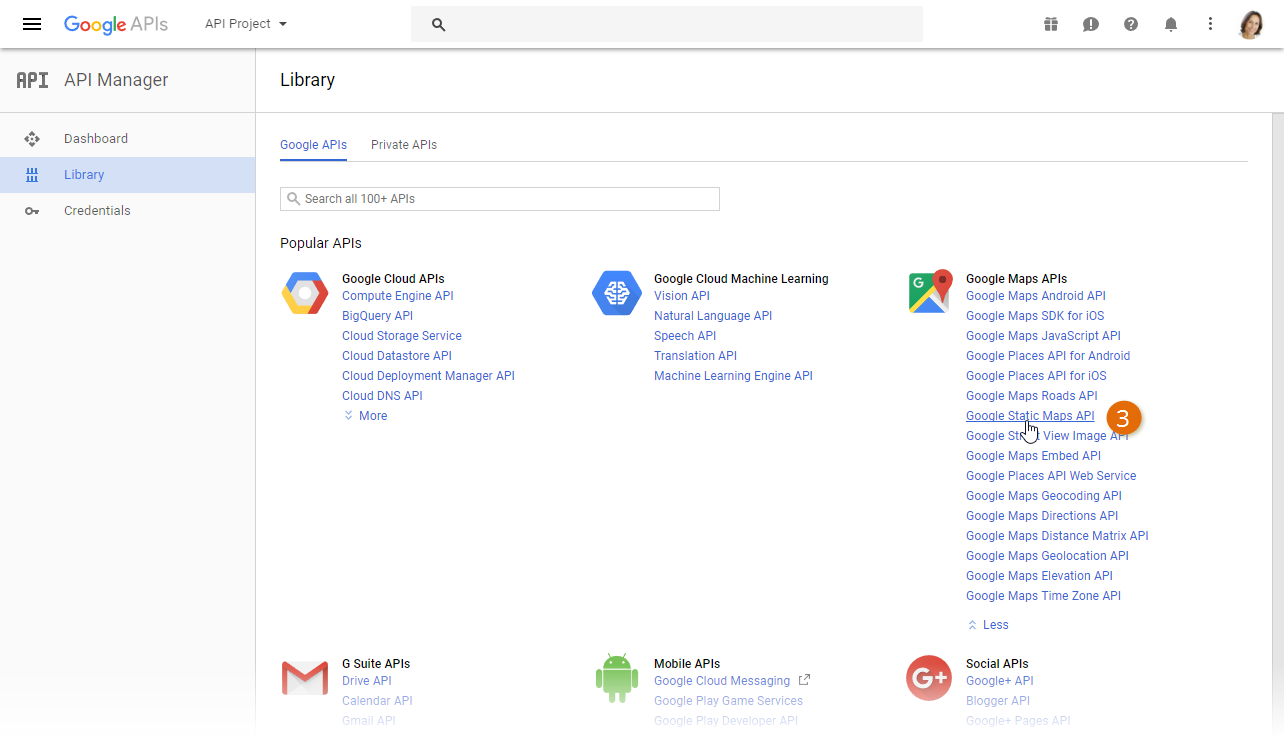
- In the Google Maps APIs section, click the ↡ More button.
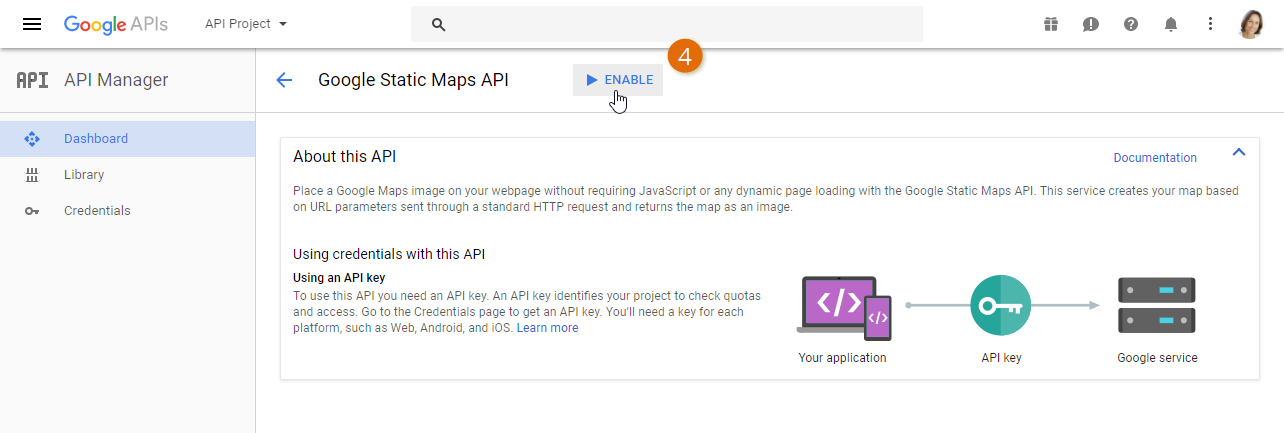
- Next, select Google Static Maps API.
- Last, select the Enable button.