Rock v19 introduces two new configuration settings that improve security for the Communication Detail block. These settings provide additional control over who can view the details of a Communication.
Previously, access to the Communication Detail block was less restrictive, which could allow viewers to see Communications that they should not be able to see. With Rock v19, the new settings have secure default values that restrict access more tightly than before.
These changes help ensure that only appropriate individuals can view Communication records, reducing the risk of unintended data exposure. Organizations upgrading to Rock v19 should review these new settings to confirm they align with their Communication access policies.
New Block Setting: "Communication Access Mode"
This controls the level of visibility filtering applied to the communication, with the following options:
- Lax: Allows all individuals to view all communications.
- Moderate: Only shows Communications where the individual has "View" rights to the associated Communication Template or System Communication.
- Strict: Limits visibility to communications the individual authored or is listed as the sender for, unless they have "View All" security on this block.
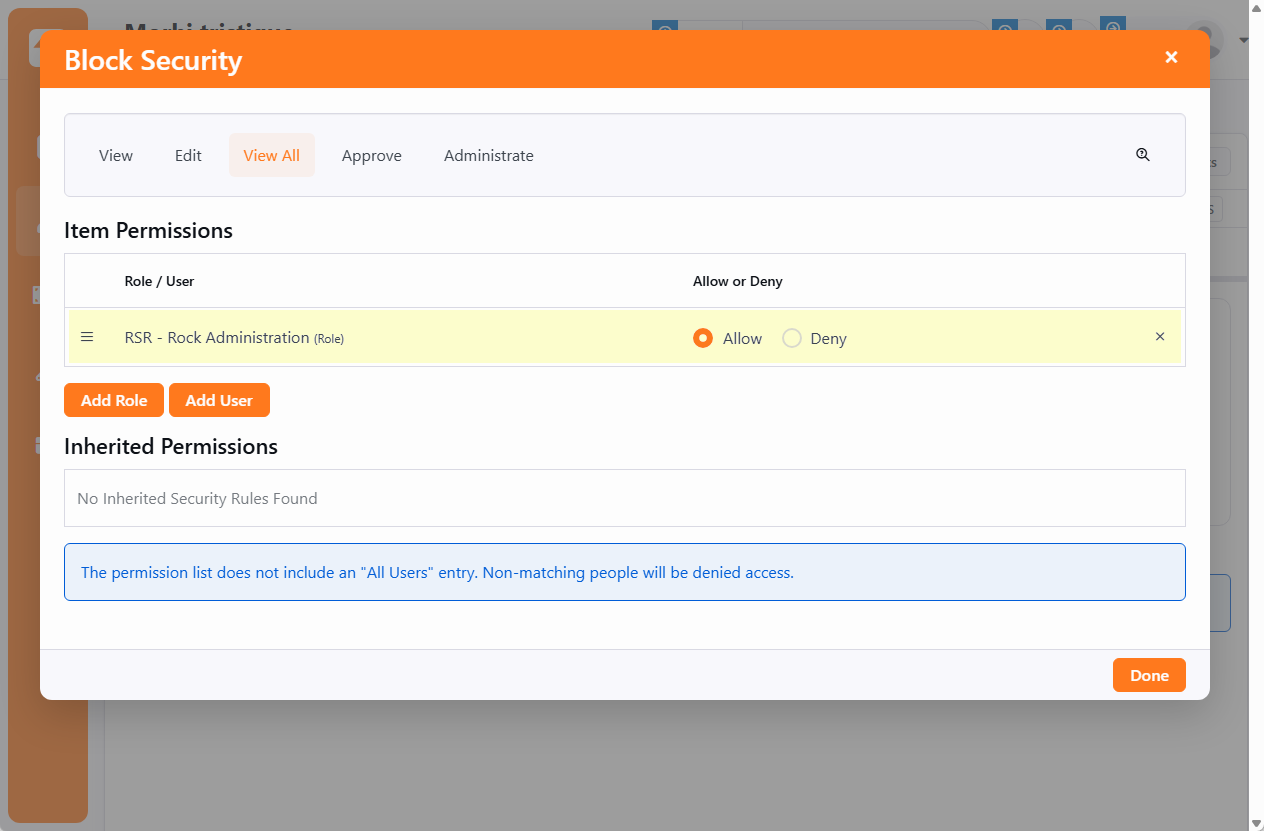
New Security Action: "View All"
This security action controls the roles and/or individuals that have access to view all communications. Applies only when this block's Communication Access Mode is "Strict".
Note that we've given the RSR - Rock Administration role "Allow" permission by default, but have otherwise not added any default permissions. This will be up to you to decide.
What You Need To Do
If you want to stick with the secure default of "Strict" mode: choose which roles and/or individuals should have "View All" permissions at the block level.
If - instead - you want to loosen the reigns and allow more individuals to be able to see Communication details, you'll want to select one of the less-secure modes of "Moderate" or "Lax".
If you want access to this block to operate the way it did before these changes, simply set the mode to Moderate.
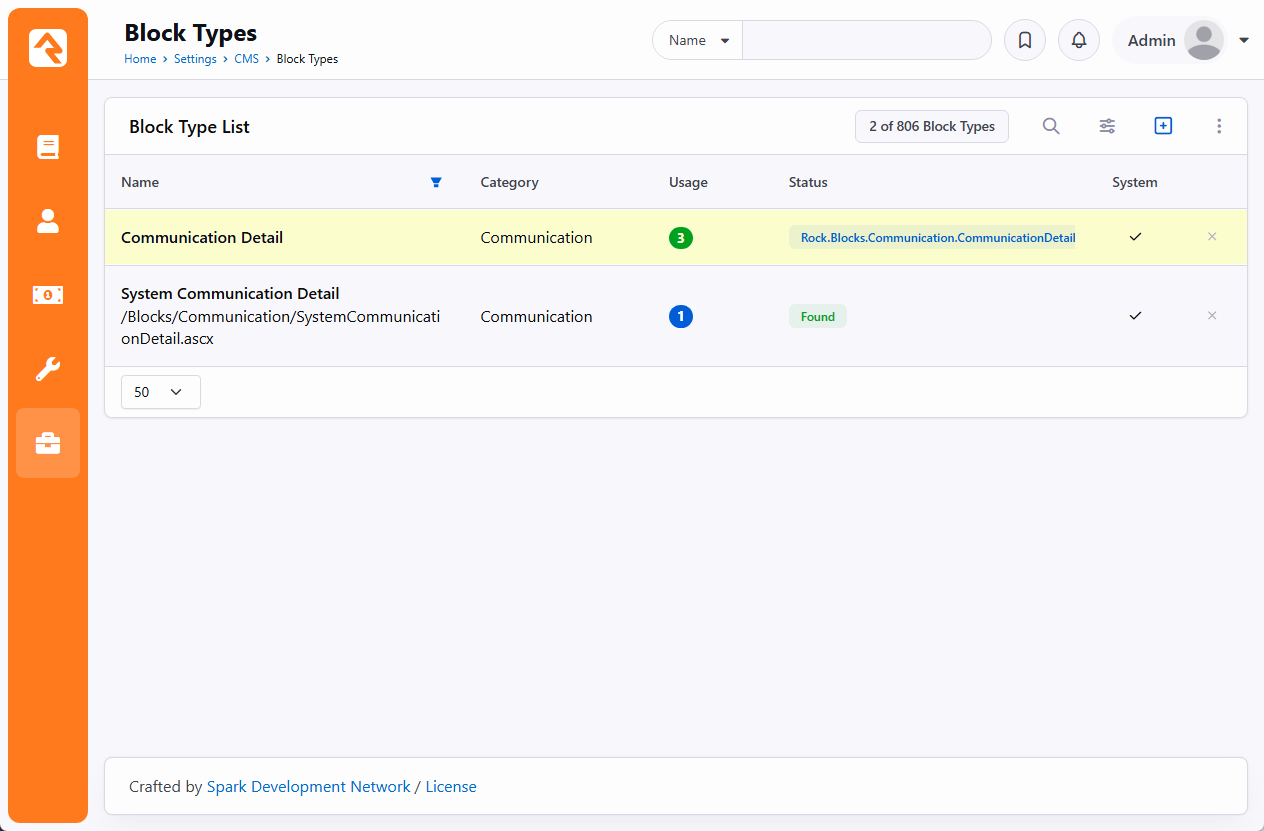
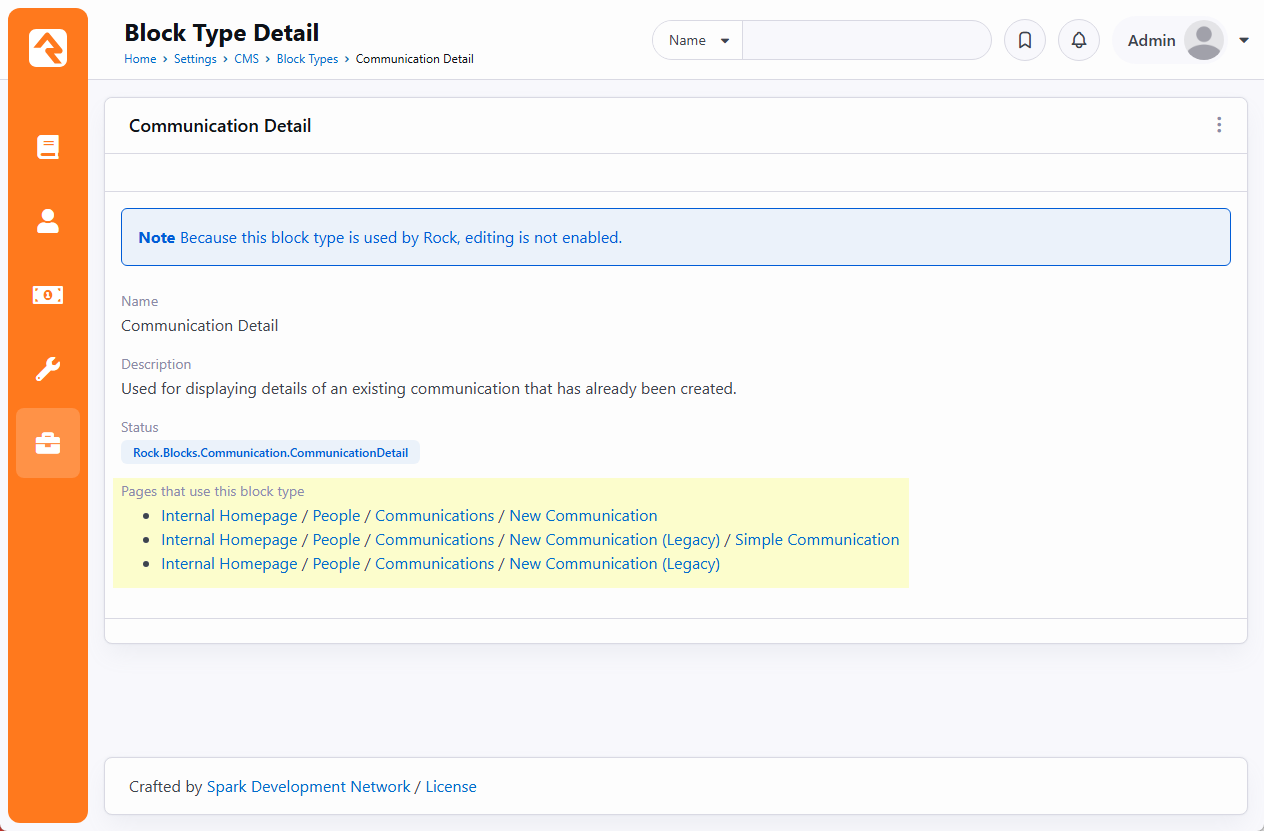
To ensure your changes affect all instances of the Communication Detail block, be sure to use the Block Type List to find all matching blocks in your Rock instance.